

Gang Sheet Printing for Designers: A Complete Guide
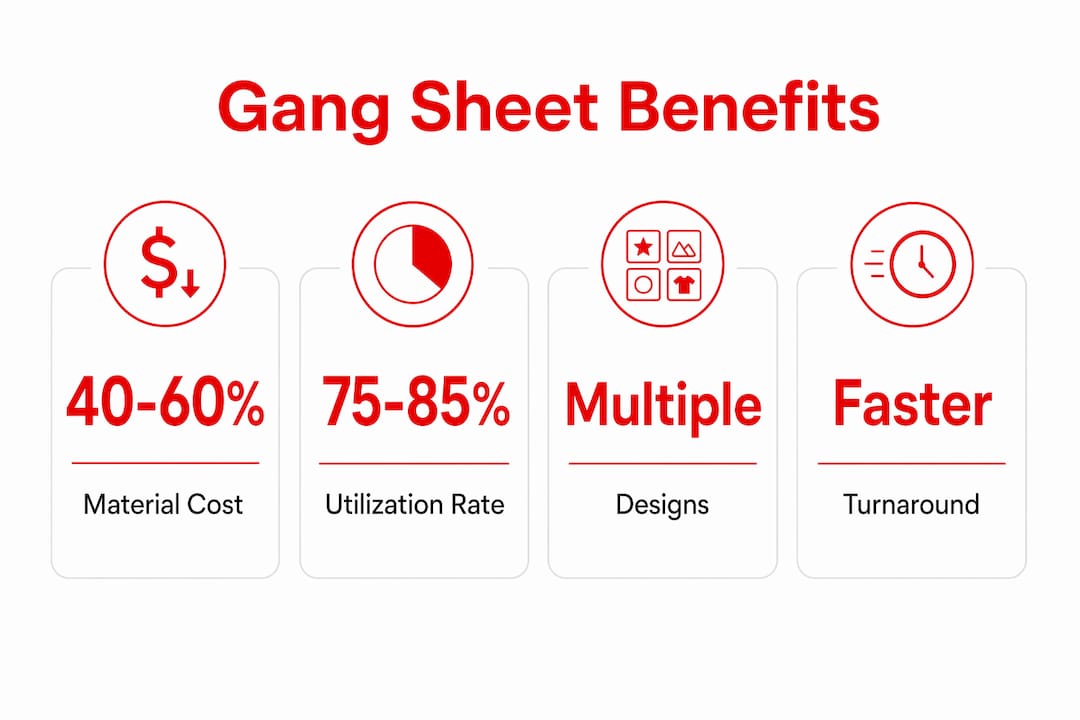
Gang sheet printing is defined as the practice of combining multiple unique designs onto a single large substrate to share setup costs and maximize material use across one print run. This technique is the industry standard for cost-effective production in DTF (direct-to-film), offset, and digital printing workflows. Printers who use gang sheets report material cost reductions of 40–60% compared to running each design separately. That savings figure alone explains why gang sheet printing has become the default method for professional shops handling small-batch and multi-design orders. Understanding what is gang sheet printing gives designers a direct path to lower costs and faster turnaround.
What is gang sheet printing and how does it work?
Gang sheet printing works by nesting multiple designs side by side on one substrate, then printing, curing, and cutting them in a single production pass. The term “gang run” is the recognized industry phrase for this method, used across offset, digital, and DTF production environments. Instead of running a separate sheet for each design, you fill one sheet with as many designs as it can hold, then process them all at once.
The step-by-step workflow follows a clear sequence:
- Collect all design files. Gather every artwork file you plan to include. Each file must be a PNG with a transparent background and set to 300 DPI resolution for professional output quality.
- Set your canvas size. Standard DTF roll widths run 22 inches across, with length varying by order volume. Set your canvas to match the substrate dimensions your printer uses.
- Place and nest designs. Arrange designs on the canvas, rotating and flipping them to fill empty space. Leave a 0.1-inch gap between designs as the minimum spacing for clean separation after cutting.
- Check utilization. Aim for 75–85% coverage of the total sheet area before finalizing the layout. Going beyond that range creates cutting problems.
- Export and send to print. Save the final file as a high-resolution PDF or PNG and submit it to your printer or RIP software for output.
- Cut and apply. After printing and curing, a guillotine cutter or plotter separates each design. DTF transfers then go to a heat press for application.
Software tools like Adobe Photoshop, Adobe Illustrator, and dedicated gang sheet builders handle the layout stage. Photoshop works well for pixel-based artwork, while Illustrator suits vector designs that need clean edges at any size. Handmadeohiocrafts provides a gang sheet builder tool that walks designers through the layout process without requiring advanced software skills.
Pro Tip: Group designs by similar dimensions before you start placing them. Tall, narrow designs nest well together, and square designs fill corners that irregular shapes leave behind. This habit alone can push your utilization rate from 65% to 80% without any extra effort.
What are the key benefits of using gang sheet printing?
Gang sheet printing delivers measurable advantages across cost, speed, and material efficiency. The benefits are not theoretical. They show up directly in your production budget and turnaround times.
- Lower material cost per design. Sharing one sheet across multiple designs means each design pays only for the space it occupies. Per-job cost reductions can reach 83% in offset applications. That number reflects how dramatically setup costs drop when you spread them across a full sheet.
- Reduced substrate waste. Running individual sheets for each design leaves unused substrate on every pass. Gang runs fill that space with productive print area, cutting waste significantly.
- Faster production throughput. One print pass, one curing cycle, one cutting session covers every design on the sheet. Grouping designs with similar heat press temperatures on the same sheet also reduces the number of press adjustments between transfers, speeding up the application stage.
- Competitive pricing on small runs. Gang run printing powers web-to-print platforms by batching small orders cost-effectively through shared press runs. Small businesses and independent designers can access per-unit pricing that previously required large minimum orders.
- Environmental benefit. Less substrate waste means fewer raw materials consumed per job. For shops tracking sustainability metrics, gang sheets offer a concrete way to reduce material consumption without changing equipment.
The trade-offs are real and worth knowing. Gang run printing limits precise individual color matching because ink density and color balance are shared across all designs on the sheet. If one design needs a specific Pantone match, a shared gang run may not deliver it. Designers working on brand-critical color work should flag this limitation before committing to a gang sheet layout.
Design considerations and best practices for gang sheet layouts
The most useful mental shift for gang sheet design is to stop thinking about cost per product and start thinking about cost per square inch of substrate. Printing is buying space on a sheet, not purchasing individual items. Every empty square inch you leave on that sheet is money you paid for and did not use.
Spacing is the detail most designers underestimate. A 0.25-inch gap between designs prevents ink bleeding during the adhesive powder phase in DTF printing while still preserving usable print area. Tighter gaps risk bleed-through. Wider gaps waste space. The 0.25-inch standard balances both concerns.

The table below compares layout approaches by utilization rate and their practical trade-offs:
| Layout approach | Utilization rate | Trade-off |
|---|---|---|
| Loose spacing, minimal rotation | 50–65% | Easy to cut, significant wasted space |
| Standard nesting with rotation | 75–85% | Clean cuts, efficient use of substrate |
| Maximum packing above 85% | 86–95% | Cutting becomes difficult, risk of damaging adjacent prints |
Grouping designs by substrate compatibility and heat press temperature is a production decision, not just a layout preference. Designs that cure at different temperatures placed on the same sheet force the operator to make multiple press passes at different settings. That erases the time savings gang sheets are supposed to deliver.
Pro Tip: Rotate designs 90 degrees before assuming they do not fit. A design that looks too wide for a gap often fits perfectly when turned. Most gang sheet builders and Illustrator’s arrange tools make rotation fast. Build this check into your layout routine before finalizing.
Targeting a 75–85% utilization rate is the professional standard for a reason. Layouts above 85% create intricate cutting paths that slow down production and increase the risk of damaging prints that sit too close together. Efficiency has a ceiling, and respecting it protects quality.
Common gang printing techniques and their applications
Gang printing uses several layout methods depending on the press type, cutting equipment, and software available. Each technique solves a specific production problem.
- Strip-based packing. Strip-based packing divides the press sheet into horizontal or vertical strips, filling each strip sequentially with jobs of similar height. This method is computationally straightforward and pairs well with guillotine cutters, which make straight cuts across the full sheet width. It is the most common method in DTF and offset gang runs.
- Zero-gutter imposition. This technique places designs edge to edge with no gap between them, relying on a shared cut line to separate adjacent pieces. It maximizes space but requires precise cutting equipment and consistent bleed settings on every file.
- Common-cut layouts. Designs that share a straight edge are grouped so one cut separates two designs simultaneously. This reduces total cut count and speeds up finishing.
- PDF gang run imposition software. PDF gang run software arranges multiple jobs automatically onto press sheets, calculating sheet utilization and cost per job without manual placement. Tools in this category handle mark placement, bleed management, and output file generation. They are standard in high-volume commercial print shops.
These techniques apply across offset lithography, digital sheet-fed printing, and DTF production. In DTF workflows specifically, strip-based packing dominates because DTF rolls feed continuously and guillotine cuts align naturally with strip boundaries. The artwork file prep process differs slightly between offset and DTF, but the core layout logic stays the same.
Key Takeaways
Gang sheet printing cuts material costs by 40–60% by nesting multiple designs on one substrate, making it the most cost-effective production method for multi-design print runs.
| Point | Details |
|---|---|
| Core definition | Gang sheet printing combines multiple designs on one substrate to share setup costs and reduce waste. |
| File requirements | Use 300 DPI PNG files with transparent backgrounds and a 0.1-inch minimum gap between designs. |
| Optimal utilization | Target 75–85% sheet coverage. Going above 85% creates cutting problems and risks print damage. |
| Key cost benefit | Material costs drop 40–60%, and per-job savings can reach 83% in offset applications. |
| Design grouping | Group designs by heat press temperature and substrate type to reduce production adjustments. |
What I have learned from years of gang sheet layouts
Gang sheet printing looks simple on paper. In practice, the gap between a decent layout and a great one comes down to decisions most designers make in the first five minutes and never revisit.
The biggest mistake I see is treating the spacing standard as optional. Designers who tighten gaps below 0.1 inch to squeeze in one more design end up with bleed contamination or cuts that clip the edge of adjacent artwork. The time spent reprinting those jobs costs far more than the space they saved. The 0.25-inch gap recommendation exists because experienced operators learned this the hard way.
Color consistency is the trade-off nobody talks about until a client complains. When you share a press run across five different designs, the ink profile serves the average of all of them. A design with heavy black coverage pulls ink density in a direction that affects the lighter designs next to it. The fix is to group designs with similar color profiles on the same sheet, not just similar temperatures.
The communication gap between designers and print operators causes more waste than any layout error. Designers submit files without flagging temperature requirements. Operators make assumptions. The result is a sheet that prints correctly but applies incorrectly. Build a simple spec sheet into your file submission process. List the heat press temperature, pressure, and time for every design on the gang sheet. That one habit eliminates a category of errors entirely.
— Aaron
Custom DTF transfers and gang sheet printing at Handmadeohiocrafts
Handmadeohiocrafts handles gang sheet production in-house from file prep through finished transfer, with no minimum order requirement and nationwide shipping.
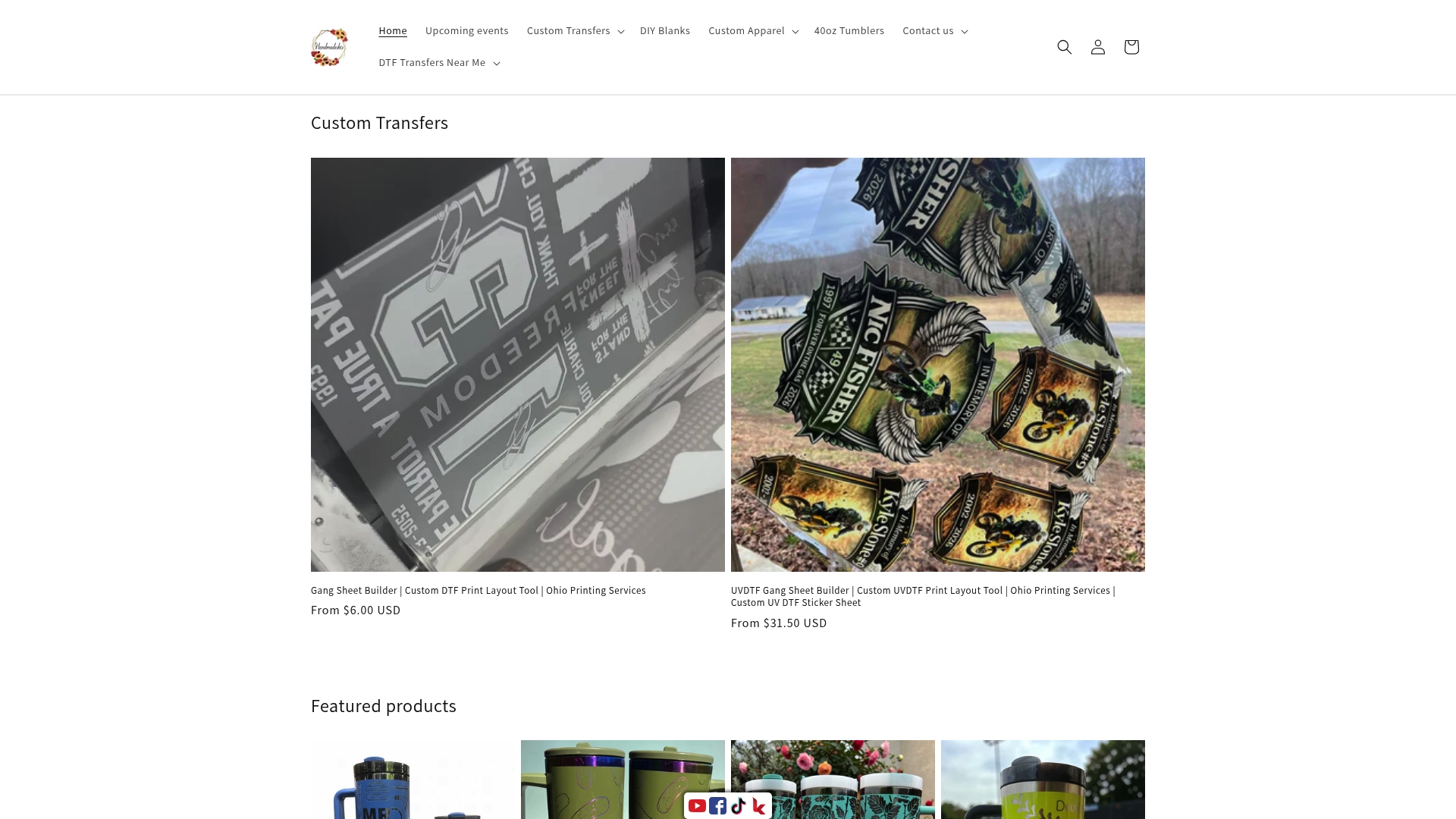
The custom DTF transfer service at Handmadeohiocrafts accepts properly prepared gang sheet files and produces print-ready transfers for t-shirts, hoodies, hats, and promotional products. The team reviews file specs before printing, catching resolution and spacing issues before they reach the press. Designers and small business owners who need reliable gang sheet output without managing their own equipment can browse the full custom apparel collection to place an order or request a quote. File preparation requirements are listed on the DTF file requirements page for designers who want to submit press-ready artwork.
FAQ
What is the gang sheet printing definition?
Gang sheet printing is the process of arranging multiple unique designs on a single large substrate and printing them in one pass to reduce per-unit material and setup costs.
How does gang sheet printing save money?
By sharing one substrate and one print run across multiple designs, gang sheet printing delivers material cost reductions of 40–60%, with per-job savings reaching 83% in offset applications.
What file format does gang sheet printing require?
Gang sheet files must be PNG format with transparent backgrounds, set to 300 DPI, with a minimum 0.1-inch gap between designs for clean separation after cutting.
What utilization rate should I target for a gang sheet layout?
Target 75–85% substrate coverage. Layouts above 85% create cutting difficulties and increase the risk of damaging prints that sit too close together.
Can gang sheet printing match exact brand colors?
Gang run printing limits precise individual color matching because ink density is shared across all designs on the sheet. Jobs requiring exact Pantone matches are better suited to dedicated single-job press runs.