

How to Choose Art for a Custom Shirt in 2026
Choosing art for a custom shirt means selecting artwork that balances clear image quality, a meaningful message, and design elements suited for printing on fabric. The best shirt designs combine personal or niche-specific expression with technical print readiness. Whether you want to design your own shirt art for a family reunion, a local business, or a personal statement, the decisions you make about imagery, resolution, and style determine whether your shirt looks sharp or falls flat. This guide covers every step, from picking the right theme to preparing your file for print.
How to choose art for a custom shirt that actually works
The single most important rule for selecting shirt artwork is this: your design must serve both the wearer and the printer. A beautiful illustration that looks great on screen can print as a muddy blur if the file is too small or the colors are too complex. Understanding what makes artwork print-ready is just as important as choosing a design you love.
Shirt artwork falls into four main categories: typography (text-based designs), illustration (hand-drawn or digital art), photography (real photos printed on fabric), and clip art (pre-made graphic elements). Each category suits different purposes. Typography works well for slogans, team names, and promotional messages. Illustration and photography shine for personal gifts, band merch, and niche community shirts.
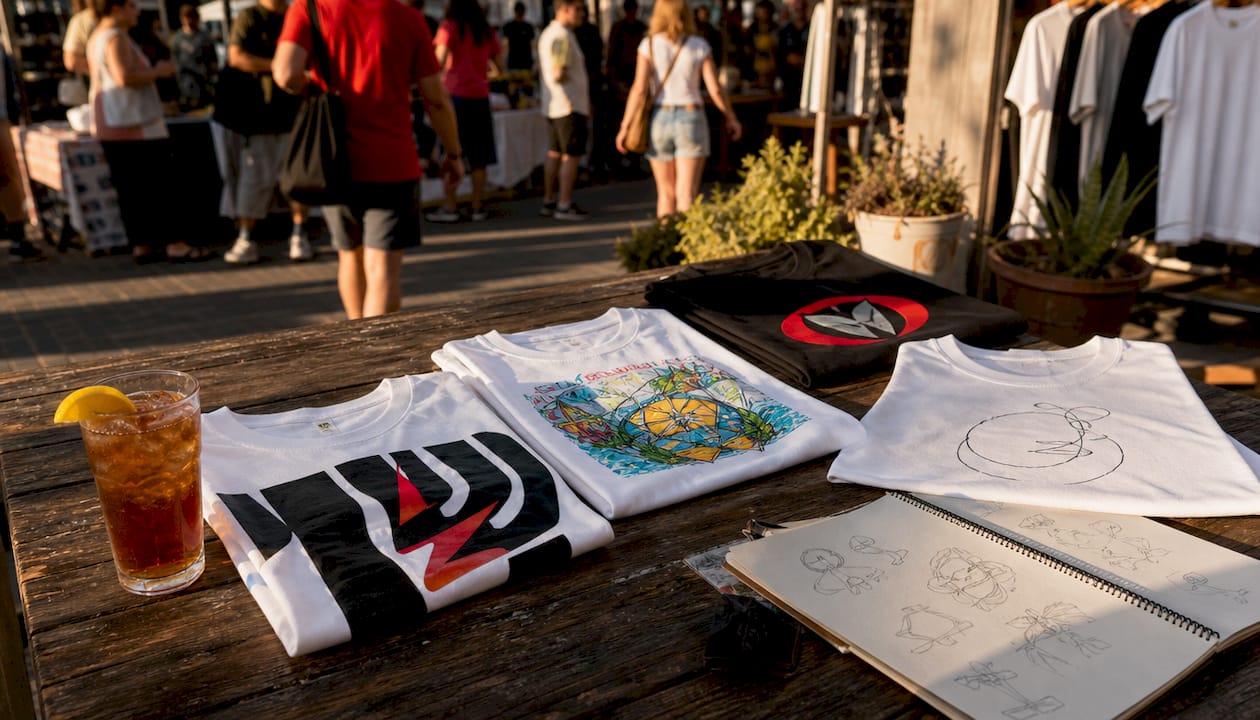
The print method you choose also shapes which artwork style works best. Screen printing works best for bold shapes and limited colors, while direct-to-garment (DTG) and DTF printing allow detailed, color-heavy artwork. Knowing your print method before you finalize your design saves time and prevents costly reprints.
What artwork themes and styles work best for shirts?
Niche-specific designs consistently outperform generic ones in both personal appeal and sales. Shirts targeting specific passions or professions outperform broad generic designs because they speak directly to a defined audience. A shirt that says “Proud Beagle Mom” connects far more deeply than one that says “Dog Lover.”
The most effective custom shirt design ideas share three traits: they reflect a specific identity, they use a clear visual hierarchy, and they avoid clutter. Here are the artwork themes that consistently land well:
- Profession or trade themes: Nurse humor, teacher quotes, tradesperson pride. These work because the wearer identifies strongly with their work.
- Hobby and passion themes: Fishing, hiking, gaming, gardening. Narrow, specific occasions or identity themes sell better than broad event shirts.
- Community and team themes: Sports teams, school groups, local businesses, nonprofit causes. These create belonging and are often ordered in bulk.
- Personal photo designs: A favorite pet, a family portrait, a milestone moment. These are the most emotionally resonant shirts you can make.
- Typographic statements: A bold quote, a location name, a year. Simple text with strong font choices can be just as powerful as complex art.
Pro Tip: Build a moodboard on Pinterest before you commit to a design direction. Pin 10–15 shirts you genuinely like, then look for patterns in color, layout, and theme. That pattern is your design instinct speaking.
Match your design style to the shirt’s purpose. A casual gift shirt can be playful and loose. A promotional shirt for a business needs to be clean and legible at a glance. A band shirt can be dark, detailed, and edgy. Mismatching style to purpose is one of the most common mistakes in personalized shirt artwork.
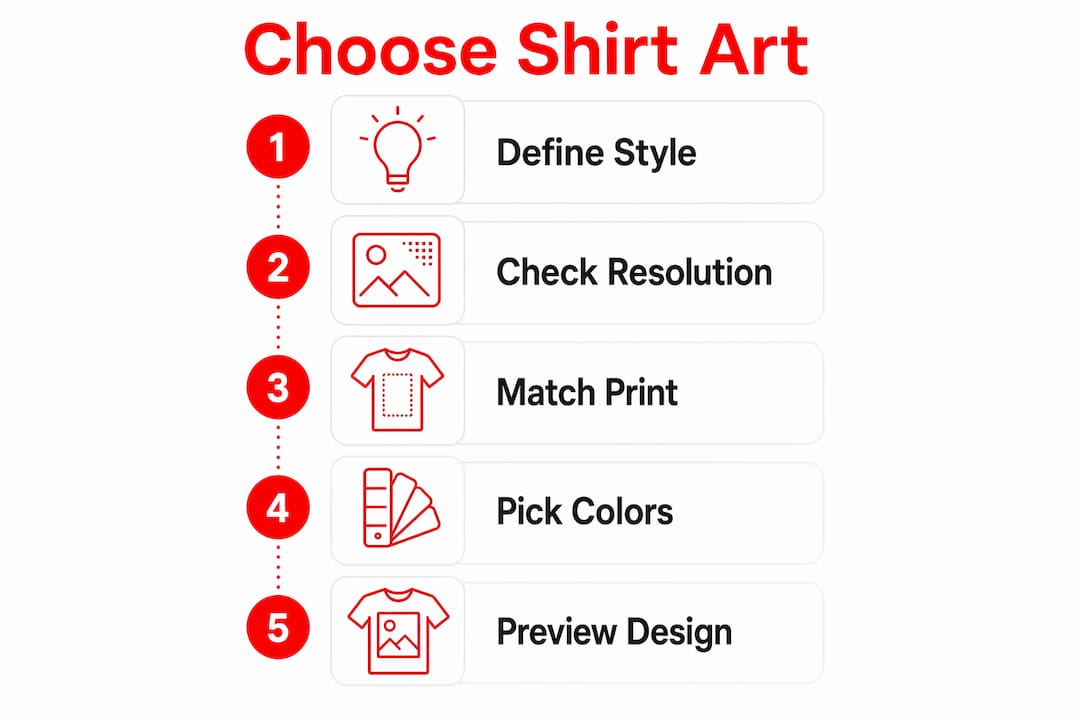
How to prepare your artwork file for printing
File quality is the most overlooked part of the custom shirt process. A design that looks fine at thumbnail size can fall apart when printed at 12 inches wide. The technical standard is clear: images larger than 1,500x1,500 pixels are the recommended minimum to avoid pixelation on custom shirts.
Follow these steps to prepare your artwork file correctly:
- Check your resolution first. Open your image and confirm it is at least 1,500x1,500 pixels. Higher-resolution files produce cleaner, sharper prints. If your image is smaller, find a higher-quality source or recreate the design as a vector file.
- Choose the right file format. Vector files (AI, EPS, SVG) scale to any size without losing quality. Raster files (PNG, JPEG, TIFF) must be high resolution before you start. PNG is preferred over JPEG for artwork with transparent backgrounds.
- Remove the background. A clean, transparent background prevents unwanted white boxes from appearing around your design on the shirt.
- Adjust contrast and brightness. Flat or dark images print poorly. Increase contrast so your design reads clearly on fabric.
- Crop tightly. Remove excess white space around your design so the printer can size and place it accurately.
| File type | Best use | Key limitation |
|---|---|---|
| Vector (SVG, AI) | Logos, text, illustrations | Requires design software to create |
| PNG (high-res) | Photos, detailed art | Must be 1,500x1,500 px minimum |
| JPEG | Photos only | Loses quality when compressed |
| TIFF | Professional photo prints | Large file size |
Modern smartphone photos generally meet minimum quality needs for direct-to-garment printing when properly sized. That means a clear photo taken on a recent iPhone or Android device can work well for a custom shirt, provided you crop it correctly and avoid heavy digital zoom.
Pro Tip: If you are working with a photo, use a free tool like Adobe Express or Canva to remove the background and boost contrast before uploading. A few minutes of prep work makes a visible difference in the final print.
How do color, typography, and layout affect shirt design?
Strong contrast is the single most important design principle for shirt artwork. Bold fonts with good spacing and high contrast are the foundation of effective text-based shirt art. A dark design on a light shirt, or a light design on a dark shirt, reads clearly from across a room. Low-contrast designs disappear on fabric.
Here are the core principles that separate sharp shirt designs from forgettable ones:
- Use no more than three colors. Complex color palettes increase printing costs and reduce visual clarity. Pick a dominant color, a secondary color, and one accent.
- Choose bold, readable fonts. Script fonts look elegant up close but become unreadable at a distance. Sans-serif fonts like Impact, Bebas Neue, or Futura hold up well on fabric.
- Create one clear focal point. Your eye should land on the most important element first. That might be a graphic, a name, or a single bold word.
- Leave breathing room. Crowded designs look amateur. White space (or negative space) makes a design feel intentional and professional.
- Match font weight to your message. Heavy, bold type communicates strength and confidence. Light, thin type communicates elegance. Choose based on what the shirt is meant to say.
The print method also affects your color choices. Screen printing works best with flat, solid colors and limited palettes. DTF printing handles gradients and photographic detail well. If you are printing at Handmadeohiocrafts, the team can advise you on which method suits your artwork before production begins.
| Design element | Screen printing | DTF / DTG printing |
|---|---|---|
| Solid colors | Excellent | Excellent |
| Gradients | Poor | Excellent |
| Fine detail | Limited | Excellent |
| Photo-realistic art | Not recommended | Excellent |
| Bold text | Excellent | Excellent |
Common mistakes to avoid when selecting shirt graphics
Most failed custom shirt designs share the same handful of errors. Catching these early saves you money and frustration.
- Using low-resolution images. Blurry, pixelated prints are the most common complaint in custom apparel. Always confirm your file meets the 1,500x1,500 pixel minimum before submitting.
- Choosing artwork with dark or cluttered backgrounds. Dark images or images with excess background clutter lead to muddy, unclear prints. Clean, high-contrast artwork always prints better.
- Picking overly generic themes. A shirt that tries to appeal to everyone appeals to no one. Niche-focused designs create stronger personal and community connection.
- Ignoring print method limitations. Complex gradients and photographic detail do not translate well to screen printing. Match your artwork complexity to your chosen print method.
- Skipping the placement preview. Always check how your design looks on a shirt mockup before ordering. A design that looks balanced on a white canvas can sit too high, too low, or too small on an actual garment.
“The artwork you choose for a custom shirt is a direct expression of identity. Generic art produces forgettable shirts. Specific, personal, print-ready art produces shirts people actually wear.”
Reviewing your design on a digital shirt template takes two minutes and prevents the most common sizing and placement errors. Most print shops, including Handmadeohiocrafts, offer mockup previews before production.
Key Takeaways
The most effective custom shirt art combines niche-specific themes, high-resolution files, and print-method-appropriate design choices to produce shirts that look sharp and feel personal.
| Point | Details |
|---|---|
| Resolution matters most | Use images at least 1,500x1,500 pixels to avoid pixelation in the final print. |
| Niche beats generic | Designs tied to specific passions, professions, or communities outperform broad themes. |
| Match art to print method | Screen printing suits bold, flat designs; DTF and DTG handle photos and gradients. |
| Contrast drives legibility | High-contrast color pairings and bold fonts keep designs readable from a distance. |
| Preview before you print | Always check placement and sizing on a shirt mockup to catch errors before production. |
What I’ve learned from years of watching shirt designs succeed and fail
The designs that people actually wear are almost always the ones built around something specific. Not “I love dogs” but “I rescue Dachshunds and I’m not sorry.” Not “coffee fan” but “Waverly, Ohio coffee at 5 AM.” Specificity is what turns a shirt into a conversation starter.
The technical side matters more than most people expect. I have seen genuinely great artwork ruined by a low-resolution file or a cluttered background. The good news is that modern smartphone cameras produce images that meet the minimum quality threshold for DTG and DTF printing when you size and crop them correctly. You do not need a professional photographer or a graphic designer to get a great result. You need a clear image, a clean background, and a design that says something real.
My honest advice: spend more time on your theme than your font choice. A shirt with a powerful, specific message in a plain font beats a beautifully typeset shirt with nothing to say. Once you have a theme that feels true to you or your audience, the design decisions become much easier. Check out the 2026 custom shirt design guide for more inspiration on themes that are working right now.
The print technology available in 2026 is genuinely impressive. DTF transfers in particular handle detail and color in ways that were not possible a few years ago. Take advantage of it by giving the printer something worth printing.
— Aaron
Custom shirt printing made easy with Handmadeohiocrafts
Handmadeohiocrafts handles the full process in-house at their Waverly, Ohio facility, from reviewing your artwork to printing and shipping your finished shirts nationwide.
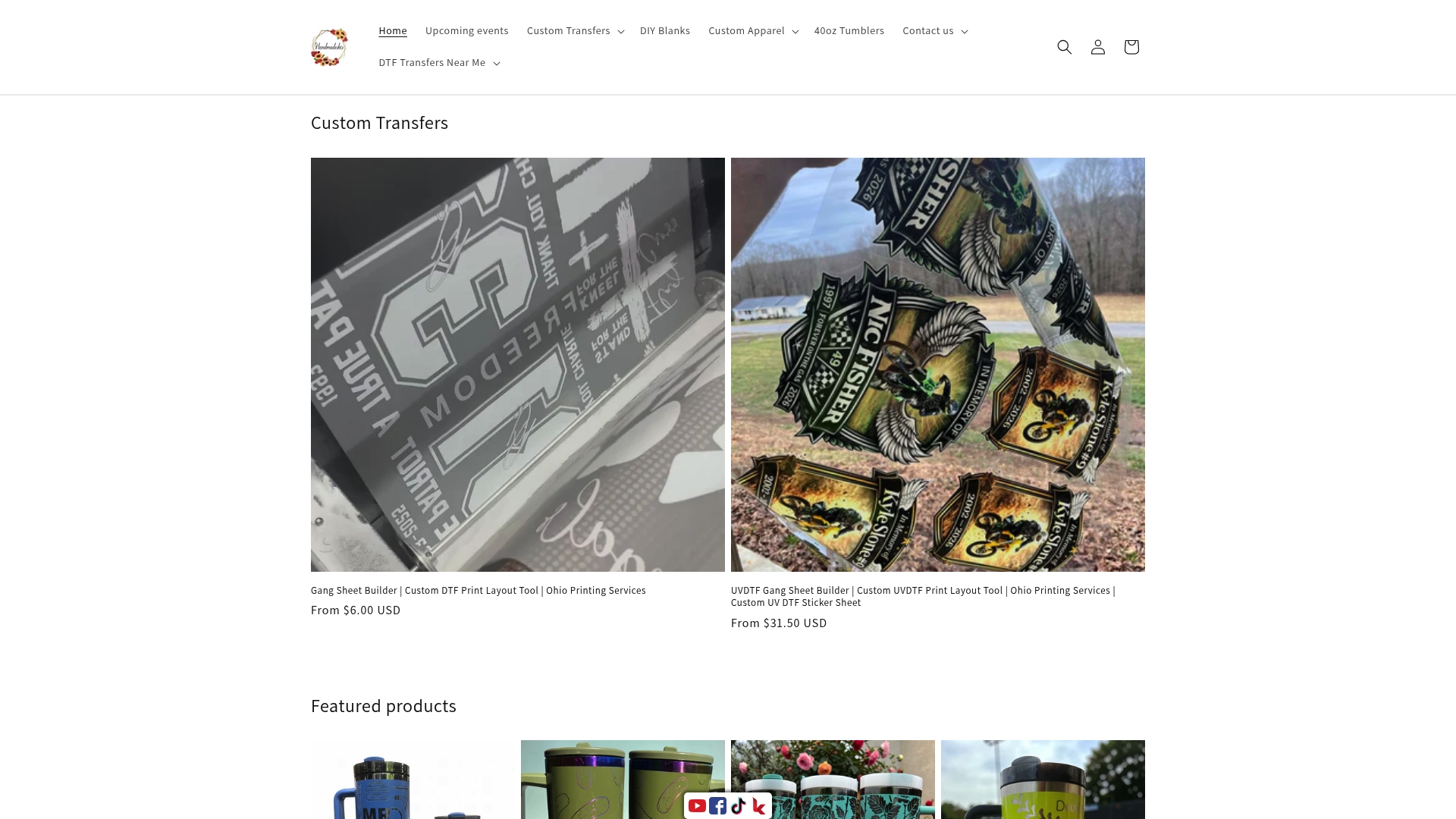
You can upload your own photos, illustrations, or text-based designs directly through the site. The team reviews every file before printing and flags any quality issues before production begins. There are no minimum order requirements, which means you can order a single shirt or a full run for your team, school, or event. Whether you need a personal gift, promotional apparel, or bulk shirts for a fundraiser, the custom apparel collection covers every option. For designs that require transfer printing, the DTF file requirements page walks you through exactly how to set up your artwork for the best possible result.
FAQ
What is the minimum image resolution for a custom shirt?
The recommended minimum is 1,500x1,500 pixels. Images below this threshold risk appearing blurry or pixelated when printed at full shirt size.
What file format works best for custom shirt artwork?
Vector files (SVG, AI, EPS) are ideal because they scale without losing quality. For photo-based designs, use a high-resolution PNG with a transparent background.
How do I select art for a shirt if I’m not a designer?
Start with a clear photo or a simple text concept. Use free tools like Canva or Adobe Express to clean up the background and adjust contrast, then upload your file for review.
Does the print method change which artwork I should choose?
Yes. Screen printing suits bold, flat, limited-color designs. DTF and DTG printing handle photographic detail, gradients, and complex color artwork far better.
Can I use a smartphone photo for a custom shirt?
Modern smartphone photos generally meet the minimum quality requirements for DTG and DTF printing when properly cropped and sized. Avoid heavy digital zoom, which reduces sharpness.